When you first login to SystmOne with your smartcard you are asked to select the correct name format (title, first name, initials and surname). If the wrong option is selected, or sometimes after your name is changed on your smartcard, it can be necessary to force SystmOne to update this.
- User > User Preferences > Smartcard
- Copy Name from Smartcard
- Select the correct name format
- Ok, Ok
- Close SystmOne

SystmOne Username
Note that updating your display name will not update your SystmOne username (used for manual sign in). SystmOne usernames cannot be amended.
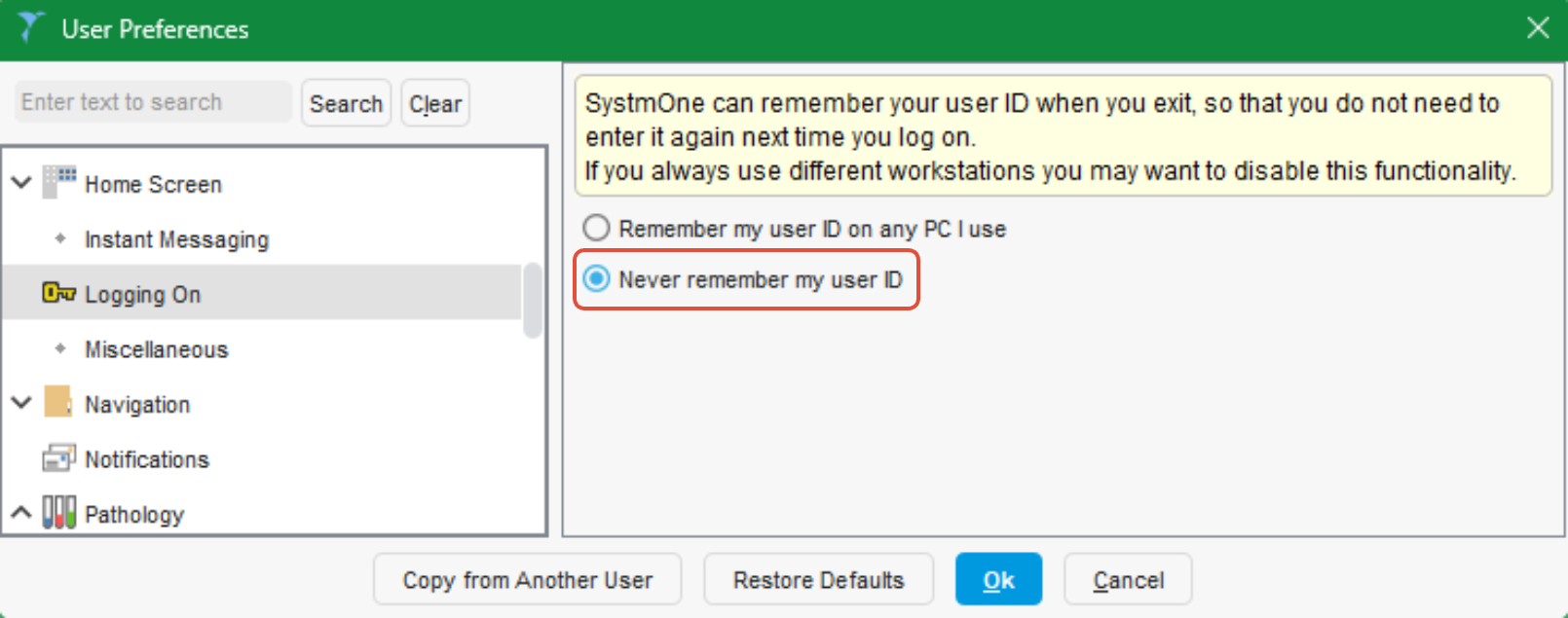
If you would prefer not to see your username on the log on screen, this can be set in User > User Preferences > Logging On. As with all User Preference changes, ensure SystmOne is
Was this article helpful?
That’s Great!
Thank you for your feedback
Sorry! We couldn't be helpful
Thank you for your feedback
Feedback sent
We appreciate your effort and will try to fix the article